
There is a small moment before running an online game for longer sessions on a phone when slowing down pays off. Mobile phones make the process look effortless, which is useful, but it also makes it easy to skip checks that would feel obvious on a laptop.
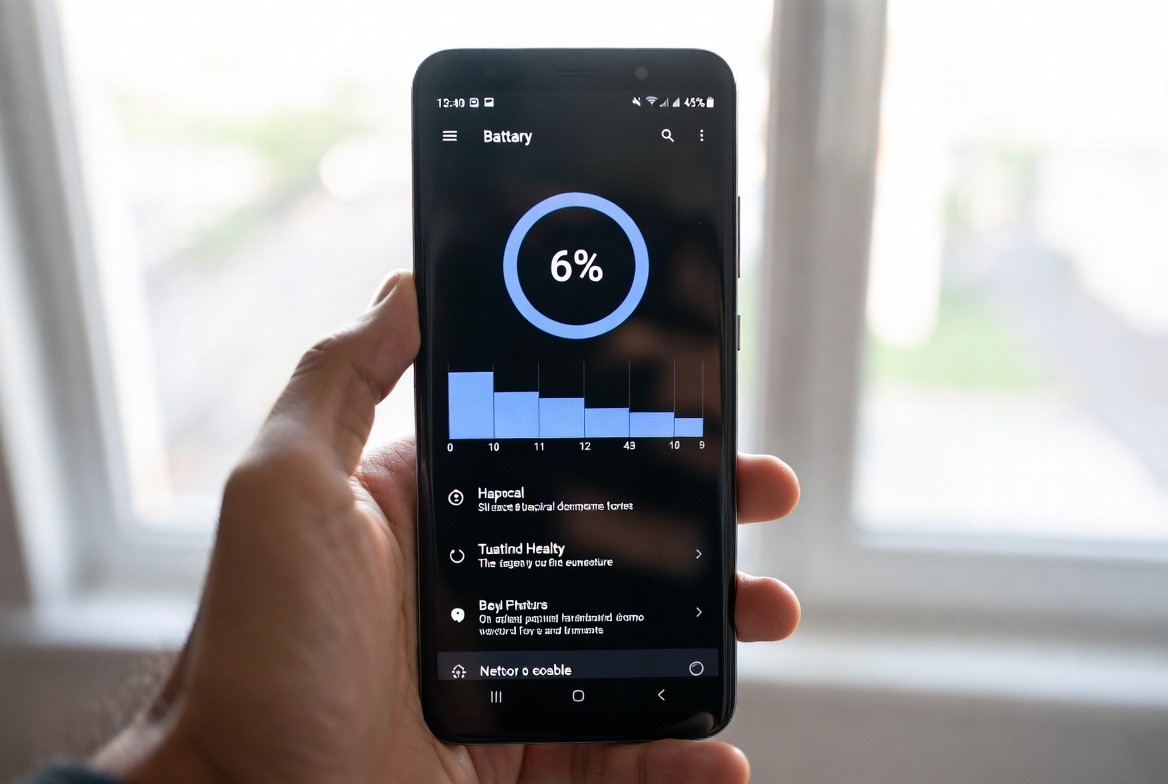
Smooth play depends on more than the app itself; connection quality, battery health, heat, and background activity all matter. A game can feel unstable when a phone is hot or switching repeatedly between weak Wi-Fi and mobile data. The sensible approach is not to become overly cautious; it is to make a few checks in a clear order and stop when something no longer matches what you expected.
Know Which Connection Is More Stable
For someone checking Ic7 game, this is the right place to slow down rather than jump straight to the next button. Write down the exact error before you start fixing it. ‘It does not work’ is hard to troubleshoot; ‘App not installed after version 1.0.4 download’ gives you something specific to compare.
Add the phone model, Android version, network and the last change you made. A short note can reveal patterns if the same issue returns after an update or on another device. If the screen does not match the instructions you expected, take a screenshot before leaving. It can be useful when you compare the problem later without exposing any password or one-time code.
Watch Data Use During the First Session
The first day after installation is not a good guide to normal data use because the app may be downloading extra assets. Measure again after setup is complete.
Android’s data warning and limit tools are useful if your plan is small. Setting a monthly alert can prevent a game update from quietly consuming the allowance needed for everyday use. Older phones can behave differently from newer models, so advice from another device is only a clue. Your own Android version, free storage and network conditions still matter.
Heat Can Affect Performance
Performance drops can appear when the battery is low, or the phone is thermally throttling. The game may look like the problem even though Android is deliberately slowing the device to protect it.
Shorter sessions, a cooler environment and fewer background tasks are simple tests. If the issue disappears, you have learned more than a reinstall would have told you. Keep the change small enough that you can undo it. Troubleshooting is far easier when you know exactly what happened immediately before the problem appeared or disappeared.
Avoid Charging in Hot Environments
With Ic7game, it helps to treat this step as part of normal setup rather than as an optional security extra. Heat is a performance signal, not just a comfort issue. Phones may reduce processor speed when they get hot, which can cause stutters, slower loading and sudden battery drain during longer sessions.
Remove a thick case if the manufacturer allows it, move out of direct sunlight and stop playing if the device becomes unusually hot. Charging while gaming can add more heat, particularly in a warm room or car. A minute spent checking the current state is usually cheaper than an unnecessary reinstall, password reset or payment dispute later.
Lower Unnecessary Background Activity
A warm phone after a long session is normal; a device that becomes painfully hot is not. Give it time to cool and close heavy background apps before restarting the game.
If overheating began only after a new update, note that detail. It may help distinguish a software change from a battery or hardware problem. If the screen does not match the instructions you expected, take a screenshot before leaving. It can be useful when you compare the problem later without exposing any password or one-time code.
Conclusion
Good mobile-gaming habits are mostly ordinary habits: verify the route you use, protect credentials, make one change at a time and keep enough information to retrace your steps. That routine is usually faster than fixing problems created by rushed downloads or repeated guesses.
For a central reference point for general platform information, ic7s.com.in can be used as a starting place. Always verify the current instructions on the page you are using and do not treat bonuses, downloads, virtual rewards or account access as guaranteed simply because a claim appears in an advert or message.